
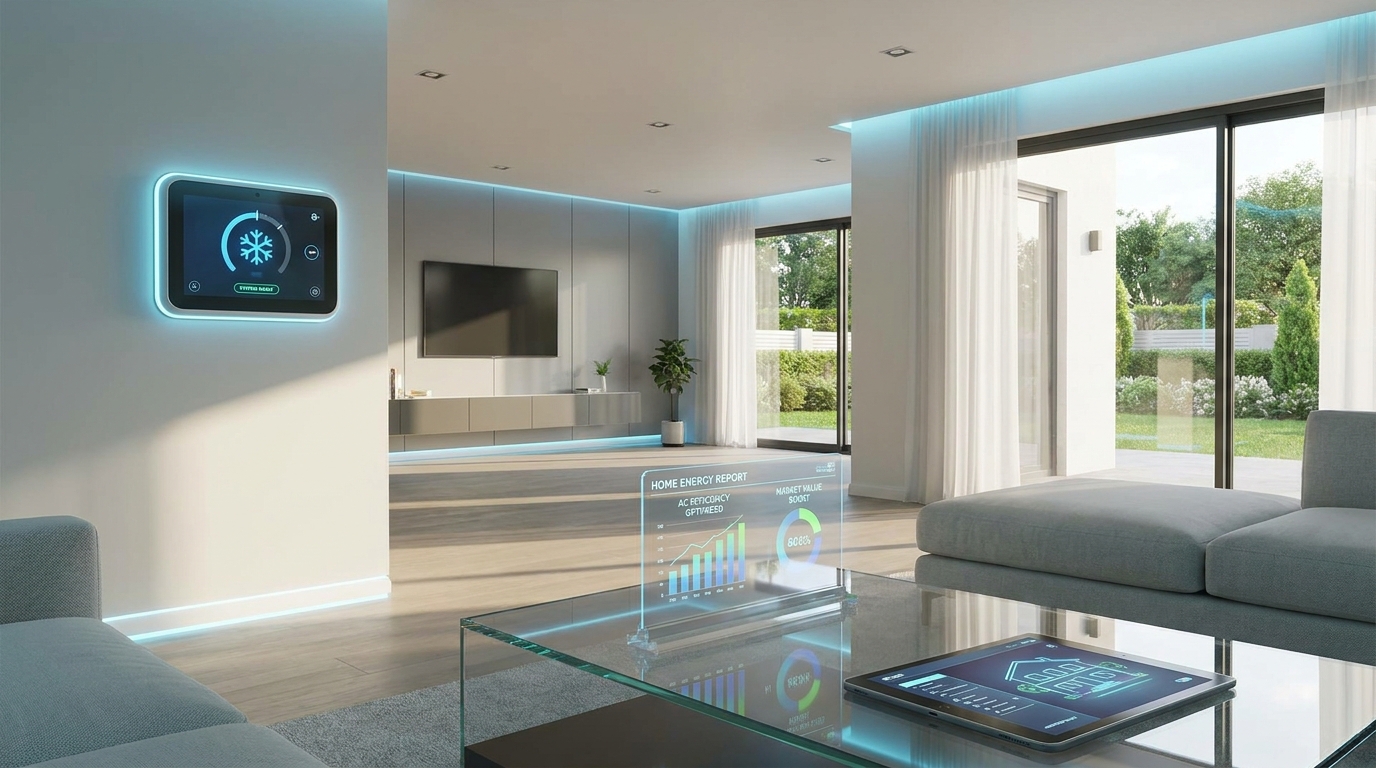
A comfortable home sells confidence. When the first warm day hits, a sluggish air conditioner can quickly become a negotiation point—especially if an inspection report flags poor airflow, dirty coils, or an aging condenser. Whether you’re preparing to list your home or evaluating a purchase, AC and cooling system prep is one of the highest-impact tasks you can tackle for comfort, cost control, and smoother transactions.
This guide breaks down what to do, what to measure, what to document, and how AI can help you stay proactive—without guesswork.
Why AC and cooling system prep matters in a transaction
Cooling performance is more than a “nice-to-have.” It affects:
- Buyer perception: A home that feels hot, humid, or stuffy during a showing triggers doubts about maintenance and hidden costs.
- Inspection outcomes: Inspectors commonly note dirty filters, poor temperature split, condensate issues, and visible coil debris.
- Energy bills: A well-maintained system can run more efficiently, which supports stronger utility-cost expectations.
- Negotiation leverage: Documented maintenance and measured performance reduce uncertainty and help defend your price.
Practical reality: Many AC issues are preventable with simple preparation steps done 1–2 weeks before listing (or during your due diligence window as a buyer).
Pre-listing AC checklist: the essentials (done in 60–120 minutes)
Start with the steps that deliver the biggest results with minimal time and cost. These are also the items most likely to show up in an inspection narrative.
1) Replace or clean the air filter (and note the size)
A clogged filter restricts airflow, increases run time, and can contribute to coil freeze-ups. Replace disposable filters and make a note of:
- Filter size (e.g., 16x25x1)
- MERV rating (avoid overly restrictive filters if your system isn’t designed for them)
- Date installed (write it on the frame)
Tip: If you’re selling, leave one spare filter near the air handler with a short note on replacement frequency. It signals care and makes the home feel turnkey.
2) Clear and clean around the outdoor condenser
Your outdoor unit needs airflow. Remove leaves, weeds, and stored items around it.
- Maintain at least 24 inches of clearance on all sides
- Trim shrubs and remove vines
- Gently rinse the fins with a garden hose (power washers can damage fins)
Red flag to avoid: Bent fins, heavy corrosion, or an oil-like residue can indicate bigger issues worth investigating before a buyer does.
3) Confirm the thermostat works correctly (and upgrade if it’s outdated)
Thermostat issues can mimic system failure. Verify:
- The system responds quickly to temperature changes
- Cooling engages without delays, short-cycling, or error messages
- Schedules and hold settings are understandable for a new owner
Smart move: A modern smart thermostat can improve comfort, reduce energy waste, and add “tech-forward” appeal—especially when paired with simple operating instructions for showings.
4) Check supply vents, returns, and airflow basics
Walk the home and ensure vents aren’t blocked by furniture, rugs, or curtains. Then:
- Vacuum vent covers and returns
- Make sure return grilles are unobstructed
- Listen for rattling or whistling (often caused by loose registers or restrictive filters)
5) Inspect the condensate drain line (simple, often overlooked)
In many climates, a clogged condensate line can lead to water damage or system shutoff. Look for:
- Standing water in the drain pan
- Musty smells near the air handler
- Rust streaks, algae growth, or damp insulation
Tip: If your system has a safety float switch, test that it’s secure and not corroded. Keep this area clean for inspection day photos.
Measure performance like a pro (simple data that builds buyer confidence)
You don’t need specialized tools to gather useful performance signals. A few measurements and observations can help you decide whether your system is “showing-ready” or needs attention.
Temperature split: a quick reality check
One of the simplest indicators is the temperature difference between return air and supply air.
- Set the thermostat to cooling and let the system run for 10–15 minutes
- Measure temperature at the return (where air is pulled in)
- Measure temperature at a nearby supply vent
- Calculate the difference (return minus supply)
Typical target: Many systems fall roughly in the 14–20°F range, but results vary by humidity, duct design, and equipment type. A very low split can suggest airflow problems, dirty coils, duct leakage, or refrigerant concerns.
Noise, vibration, and cycling patterns
During operation, watch for:
- Short cycling (turning on/off frequently) which can indicate sizing, thermostat placement, airflow restriction, or refrigerant issues
- Grinding/screeching noises (motor or fan concerns)
- Excessive vibration (mounting, fan imbalance, or worn components)
Transaction insight: If something seems off, address it early. Buyers are more comfortable with “repaired and documented” than “unknown and negotiated.”
Document what you did (maintenance proof reduces friction)
Create a simple record to share during listing or due diligence:
- Date filter changed
- Outdoor unit cleared/cleaned
- Thermostat model and settings notes
- Any service receipts or warranty info
- System age and serial/model numbers (photo is fine)
Tip: Save these in a single digital folder so they’re easy to provide alongside disclosures and inspection documents.
High-impact upgrades and fixes that often pay off
If you have budget and time, focus on improvements that are visible, measurable, or likely to be mentioned in inspection findings.
Seal air leaks and improve airflow
Cooling efficiency isn’t just the AC unit—it’s the whole air delivery system.
- Weatherstrip doors and seal obvious gaps around windows
- Check attic access doors for sealing
- Ensure return paths aren’t blocked (closed doors can reduce return airflow in some layouts)
Practical win: Better airflow helps reduce hot spots that buyers notice immediately during showings.
Consider a duct cleaning only when there’s a clear reason
Duct cleaning can be helpful when there’s:
- Visible dust buildup, debris, or construction residue
- Evidence of pests
- Significant allergy concerns that you can document
Otherwise: A filter change, vent cleaning, and coil hygiene often deliver the “fresh air” impression buyers care about most.
Smart thermostat + usage insights = modern appeal
For tech-forward buyers, a smart thermostat adds value when it’s easy to use and properly configured. If you install one:
- Set a simple schedule that keeps the home comfortable for showings
- Disable confusing automation or provide a one-page “How to” note
- Reset permissions before closing (privacy matters)
Know when your system age becomes a negotiation topic
Many buyers ask about HVAC age early. If your system is older, you can still reduce friction by preparing:
- Maintenance history
- Any major component replacements (capacitor, blower motor, contactor)
- Efficiency rating info if available
Data-driven positioning: A well-maintained older system with stable performance data often feels less risky than a newer system with no paper trail.
AI and home cooling: how technology helps you prep smarter
Cooling systems generate patterns—run time, cycling frequency, indoor humidity trends, and temperature stability. AI turns those patterns into actionable next steps, which is especially valuable when you’re preparing for a real estate milestone on a deadline.
Use AI to build a personalized prep timeline
Instead of generic reminders, AI can help you map tasks to your actual situation:
- Local climate and upcoming heat waves
- Your listing date or closing timeline
- System type (central AC, heat pump, mini-splits)
- Common inspection issues in your region
Turn scattered notes into a clean, shareable “HVAC readiness” packet
Buyers love clarity, but most homeowners store info across email threads, photos, and paper receipts. AI can help you:
- Organize photos of model/serial numbers
- Summarize maintenance history into a simple timeline
- Create a checklist you can attach to disclosures or a property info sheet
Spot risk signals earlier (before they become deal issues)
If you track basic home data (utility bills, thermostat logs, or smart device summaries), AI can highlight anomalies like:
- Unusual spikes in cooling costs
- Increased runtime that suggests declining efficiency
- Room-by-room comfort imbalances that may indicate duct leakage or insulation gaps
Outcome: You can fix the right thing first—saving time and avoiding last-minute surprises that derail negotiations.
AC prep mistakes to avoid (they show up fast)
- Overcooling for showings: Setting the thermostat extremely low can lead to coil freezing or condensation issues. Aim for comfortable, steady temps.
- Blocking returns with staging: Furniture placement can reduce airflow and create hot rooms—buyers will notice.
- Ignoring humidity: A home that’s “cool but clammy” feels uncomfortable. Make sure the system is dehumidifying properly.
- Leaving the condenser buried: Plants and debris around the outdoor unit are a visual cue of neglect.
- No documentation: Even simple maintenance feels more credible when you can show dates and details.
Conclusion: prep your cooling system, protect your price
AC and cooling system prep is one of the easiest ways to improve day-to-day comfort and strengthen your position in a real estate transaction. A clean filter, a clear condenser, stable performance measurements, and organized documentation can reduce inspection flags and help buyers feel confident—often translating into smoother negotiations.
Ready to streamline your prep? AIRE helps you manage your home sale or purchase independently with AI-powered checklists, document organization, and step-by-step transaction guidance—so you can anticipate HVAC questions, share maintenance proof quickly, and keep your deal moving forward with confidence.